HTML Paragraphs
A paragraph always starts on a new line, and is usually a block of text.
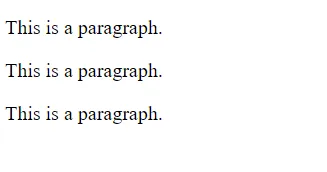
The HTML <p> element defines a paragraph.
A paragraph always starts on a new line, and browsers automatically add some white space (a margin) before and after a paragraph.
Example
<p>This is a paragraph.</p>
<p>This is another paragraph.</p>
Complete example:
<!DOCTYPE html>
<html>
    <body>
        <p>This is a paragraph.</p>
        <p>This is a paragraph.</p>
        <p>This is a paragraph.</p>
    </body>
</html>
Output:
Space inside HTML Paragraph
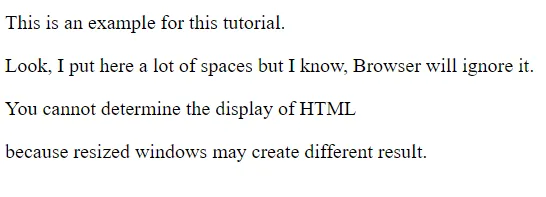
If you put a lot of spaces inside the HTML p tag, browser removes extra spaces and extra line while displaying the page. The browser counts number of spaces and lines as a single one.
<p>
    This is
    an example
    for this
    tutorial.
</p>
<p>
    Look, I put here a lot
    of spaces but I know, Browser will ignore it.
</p>
<p>
    You cannot determine the display of HTML</p>
<p>because resized windows may create different result.
</p>
Output:
HTML Horizontal Rules <hr>
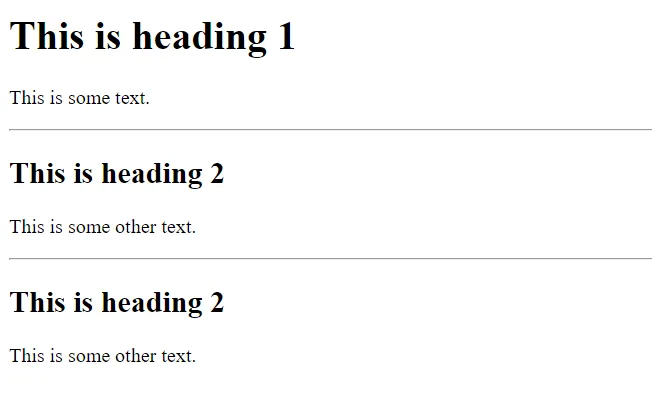
The <hr> tag defines a thematic break in an HTML page, and is most often displayed as a horizontal rule.
The <hr> element is used to separate content (or define a change) in an HTML page:
<!DOCTYPE html>
<html>
    <body>
        <h1>This is heading 1</h1>
        <p>This is some text.</p>
        <hr>

        <h2>This is heading 2</h2>
        <p>This is some other text.</p>
        <hr>

        <h2>This is heading 2</h2>
        <p>This is some other text.</p>
    </body>
</html>
Output:
HTML Line Breaks <br>
The HTML <br> element defines a line break.
Use <br> if you want a line break (a new line) without starting a new paragraph:
<!DOCTYPE html>
<html>
    <body>
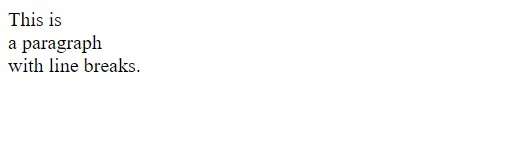
        <p>This is<br>a paragraph<br>with line breaks.</p>
    </body>
</html>
Output:
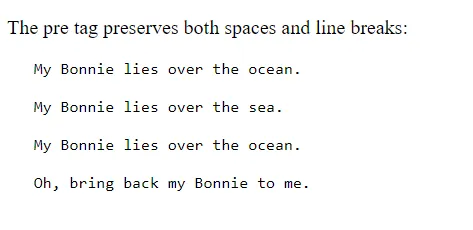
HTML <pre> Element
The HTML <pre> element defines preformatted text.
The text inside a <pre> element is displayed in a fixed-width font (usually Courier), and it preserves both spaces
and line breaks:
<!DOCTYPE html>
<html>
    <body>
        <p>The pre tag preserves both spaces and line breaks:</p>
        <pre>
           My Bonnie lies over the ocean.

           My Bonnie lies over the sea.

           My Bonnie lies over the ocean.

           Oh, bring back my Bonnie to me.
        </pre>
    </body>
</html>
Output: