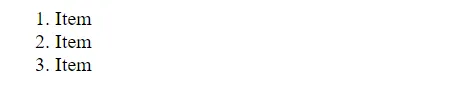
The HTML <ol> tag defines an ordered list. An ordered list can be numerical or alphabetical.
An ordered list starts with the <ol> tag. Each list item starts with the <li> tag.
The list items will be marked with numbers by default:
Example:
<ol>
  <li>Item</li>
  <li>Item</li>
  <li>Item</li>
</ol>
Output:
Type Attribute
The type attribute of the <ol> tag, defines the type of the list item marker:
| Type | Description |
|---|---|
type="1" |
The list items will be numbered with numbers (default) |
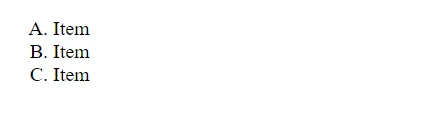
type="A" |
The list items will be numbered with uppercase letters |
type="a" |
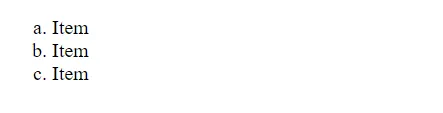
The list items will be numbered with lowercase letters |
type="I" |
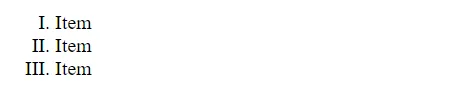
The list items will be numbered with uppercase roman numbers |
type="i" |
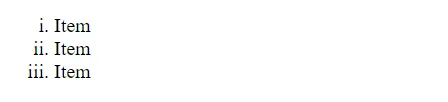
The list items will be numbered with lowercase roman numbers |
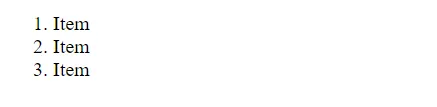
Numbers (default)
<ol type="1">
  <li>Item</li>
  <li>Item</li>
  <li>Item</li>
</ol>
Output:
Uppercase Letters
<ol type="A">
  <li>Item</li>
  <li>Item</li>
  <li>Item</li>
</ol>
Output:
Lowercase Letters
<ol type="a">
  <li>Item</li>
  <li>Item</li>
  <li>Item</li>
</ol>
Output:
Uppercase Roman Numbers
<ol type="I">
  <li>Item</li>
  <li>Item</li>
  <li>Item</li>
</ol>
Output:
Lowercase Roman Numbers
<ol type="i">
  <li>Item</li>
  <li>Item</li>
  <li>Item</li>
</ol>
Output:
Control List Counting
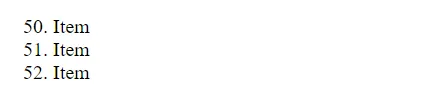
By default, an ordered list will start counting from 1. If you want to start counting from a specified number, you can use the start attribute:
<ol start="50">
	<li>Item</li>
	<li>Item</li>
	<li>Item</li>
</ol>
Output:
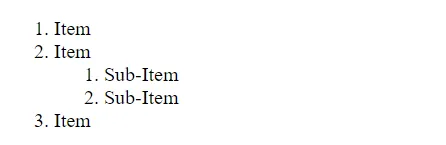
Nested HTML Lists
Lists can be nested (list inside list):
<ol>
	<li>Item</li>
	<li>Item
		<ol>
			<li>Sub-Item</li>
			<li>Sub-Item</li>
		</ol>
	</li>
	<li>Item</li>
</ol>
Output: