
Text Indentation
The text-indent property is used to specify the indentation of the first line of a text:
p {
	text-indent:  50px;
}
Letter Spacing
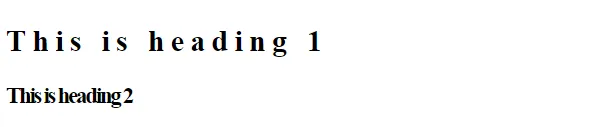
The letter-spacing property is used to specify the space between the characters in a text.
The following example demonstrates how to increase or decrease the space between characters:
h1 {
	letter-spacing:  5px;
}

h2 {
	letter-spacing:  -2px;
}
Line Height
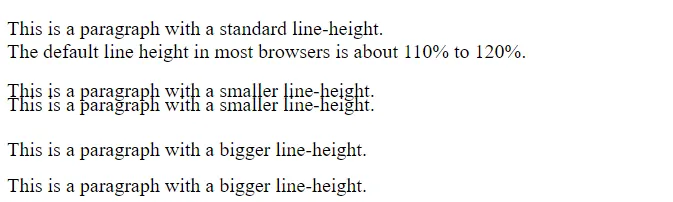
The line-height property is used to specify the space between lines:
p.small {
	line-height:  0.8;
}

p.big {
	line-height:  1.8;
}
Word Spacing
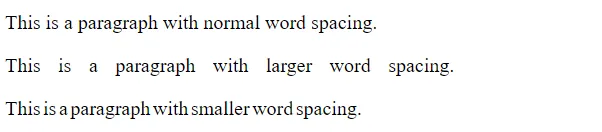
The word-spacing property is used to specify the space between the words in a text.
The following example demonstrates how to increase or decrease the space between words:
p.one {
	word-spacing:  10px;
}

p.two {
	word-spacing:  -2px;
}
White Space
The white-space property specifies how white-space inside an element is handled.
This is how disable text wrapping inside an element:
p {
	white-space:  nowrap;
}