
CSS supports 140+ color names, HEX values, RGB values, RGBA values, HSL values, HSLA values, and opacity.
RGBA Colors
RGBA color values are an extension of RGB color values with an alpha channel - which specifies the opacity for a color.
An RGBA color value is specified with: rgba(red, green, blue, alpha). The alpha parameter is a number between 0.0 (fully transparent) and 1.0 (fully opaque).
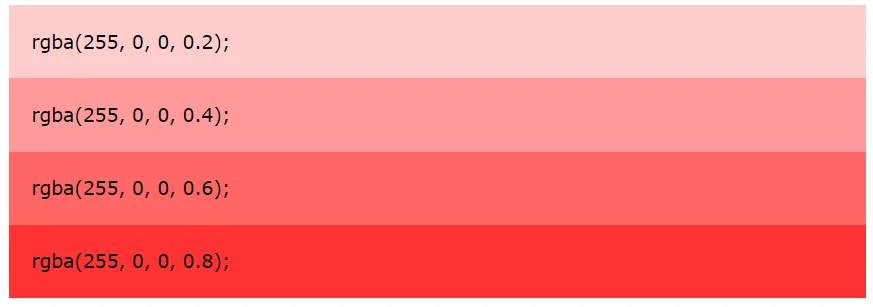
The following example defines different RGBA colors:
HSL Colors
HSL stands for Hue, Saturation and Lightness.
An HSL color value is specified with: hsl(hue, saturation, lightness).
- Hue is a degree on the color wheel (from 0 to 360):
- 0 (or 360) is red
- 120 is green
- 240 is blue
- Saturation is a percentage value: 100% is the full color.
- Lightness is also a percentage; 0% is dark (black) and 100% is white.
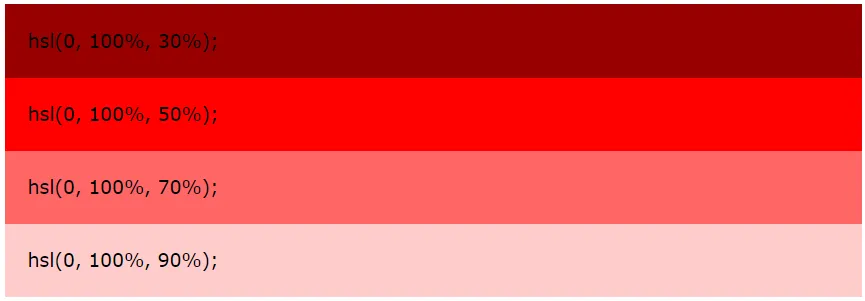
The following example defines different HSL colors:
HSLA Colors
HSLA color values are an extension of HSL color values with an alpha channel - which specifies the opacity for a color.
An HSLA color value is specified with: hsla(hue, saturation, lightness, alpha), where the alpha parameter defines the opacity. The alpha parameter is a number between 0.0 (fully transparent) and 1.0 (fully opaque).
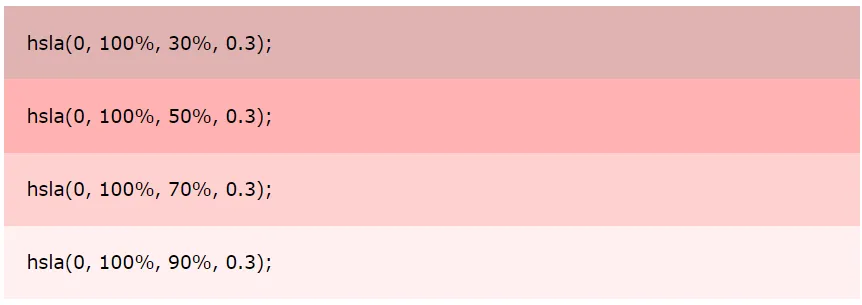
The following example defines different HSLA colors:
Opacity
The CSS opacity property sets the opacity for the whole element (both background color and text will be opaque/transparent).
The opacity property value must be a number between 0.0 (fully transparent) and 1.0 (fully opaque).
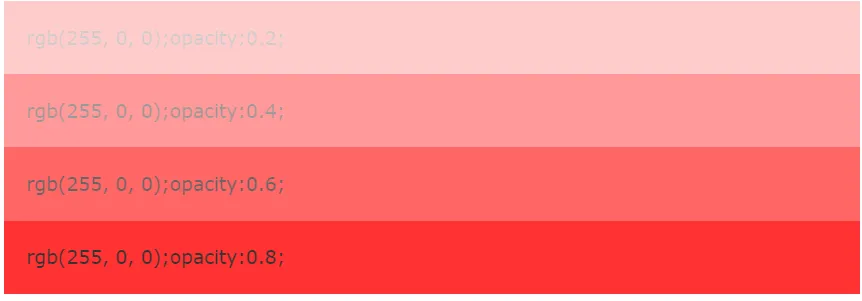
The following example shows different elements with opacity: